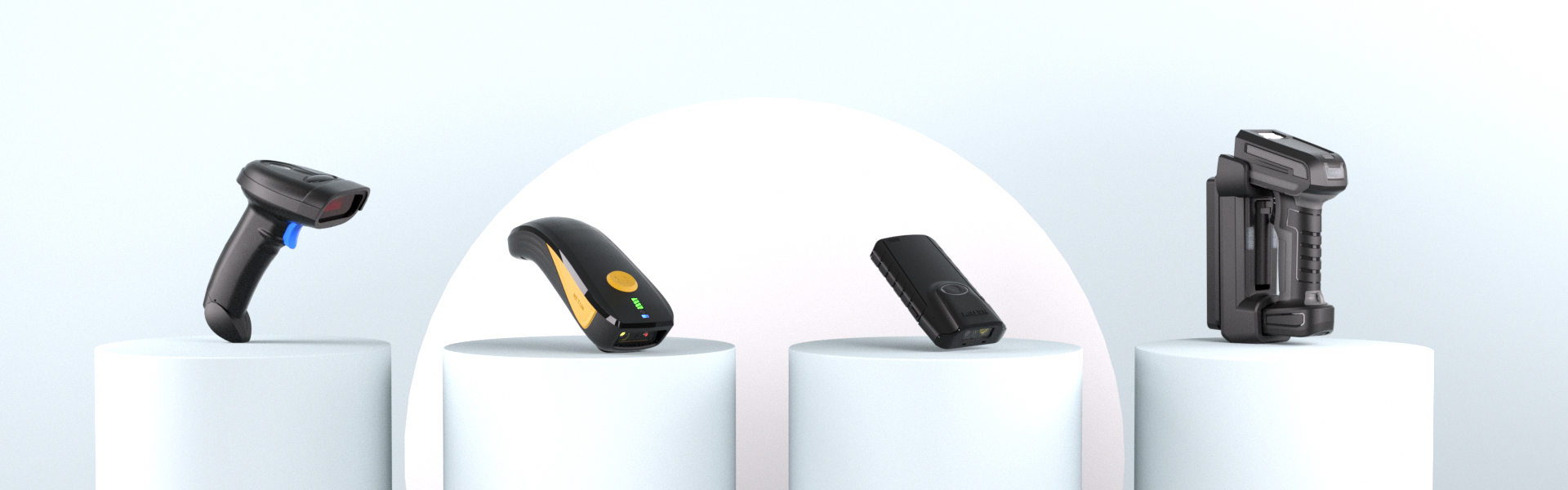
If your wireless barcode scanner—whether a NETUM wireless barcode scanner, a portable wireless barcode scanner, or a long range barcode scanner—fails to read barcodes, it can disrupt daily operations in retail, warehousing, or inventory management. Even advanced models like the wireless barcode wifi-enabled scanner may encounter this issue, but the root causes are usually predictable and fixable. Below is a comprehensive guide to identify and resolve the problem, tailored to different scanner types and use cases.
1. Barcode Quality: The #1 Culprit for Most Scanning Failures
A common reason a wireless barcode scanner struggles to read is poor barcode quality, which affects all models from the portable wireless barcode scanner to the long range barcode scanner. Faded, smudged, or damaged barcodes break the contrast between black and white elements, making it hard for the scanner’s sensor to decode data. For example, a NETUM wireless barcode scanner designed for retail may fail to read a crumpled UPC code on a packaged product, just as a wireless barcode wifi scanner used in warehouses might struggle with ink-smudged industrial labels.
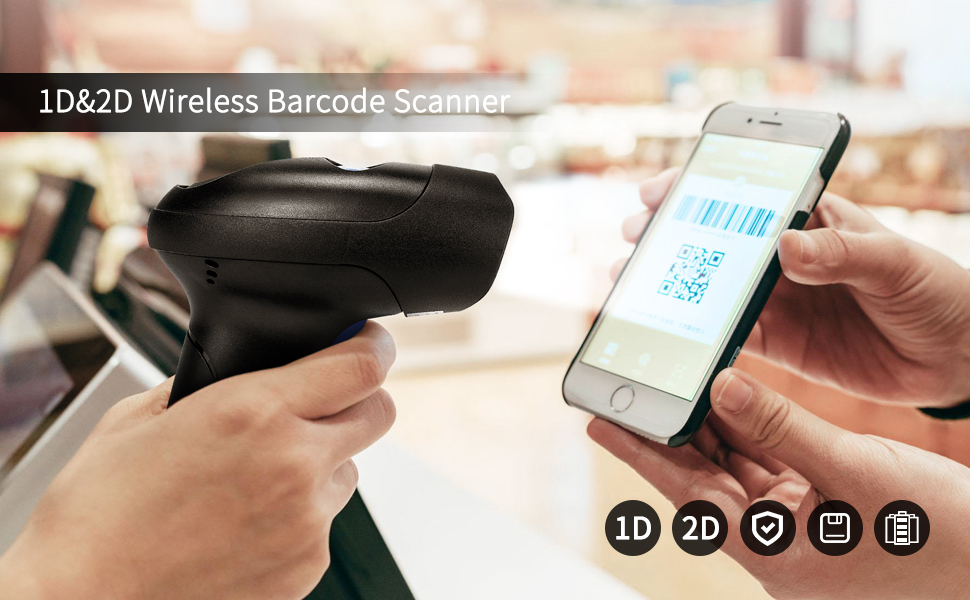
Non-standard barcode formats also cause issues. If you’re using a long range barcode scanner to scan a 2D QR code but the device only supports 1D barcodes, scanning will fail. Always check if your scanner—whether it’s a portable wireless barcode scanner or a NETUM wireless barcode scanner—supports the specific format (e.g., Code 128, QR Code, Data Matrix) before use.
2. Scanner Settings & Hardware: Don’t Overlook Configuration and Maintenance
Incorrect settings or hardware issues often plague even high-quality scanners like the NETUM wireless barcode scanner. For instance, if your portable wireless barcode scanner has disabled the barcode type you’re trying to read (e.g., QR Code turned off by default), it will never recognize the label. Similarly, a long range barcode scanner with outdated firmware may lack the decoding algorithm for dense or new barcode formats.
Battery life is another critical factor for wireless models. A portable wireless barcode scanner with low power can’t activate its laser or imaging sensor, while a wireless barcode wifi scanner may lose connection mid-scan due to insufficient battery. Regular maintenance is also key: dust on the lens of a NETUM wireless barcode scanner or a long range barcode scanner can block the sensor, so wipe it gently with a lint-free cloth. For wireless barcode wifi scanners, ensure the firmware is updated via the manufacturer’s app or website to fix bugs that hinder scanning.
3. Environmental Interference: Adjust for Your Scanner’s Design
The environment plays a major role, especially for specialized scanners like the long range barcode scanner or wireless barcode wifi model. A long range barcode scanner is built for large spaces like warehouses, but extreme lighting—such as direct sunlight or dim overhead lights—can wash out barcodes. Similarly, a portable wireless barcode scanner used outdoors may struggle with glare on glossy labels, while a wireless barcode wifi scanner in a crowded office might face signal interference from other wifi devices, causing delayed or failed scans.
Distance matters too. A portable wireless barcode scanner typically works best at 4-8 inches, while a long range barcode scanner can reach up to 328 feet in open areas—but scanning too close or too far beyond these ranges will result in failures. For wireless barcode wifi scanners, ensure the device is within the wifi signal range to avoid data transmission gaps that mimic scanning issues.
4. Operational Mistakes: Simple Fixes for User Error
Even the most reliable NETUM wireless barcode scanner or long range barcode scanner can fail if used incorrectly. Holding the scanner at a steep angle (not perpendicular to the barcode) is a common mistake—this causes the sensor to miss critical bar/space elements. Moving the portable wireless barcode scanner too quickly across the label also prevents proper decoding, as the sensor can’t capture all data points in time.
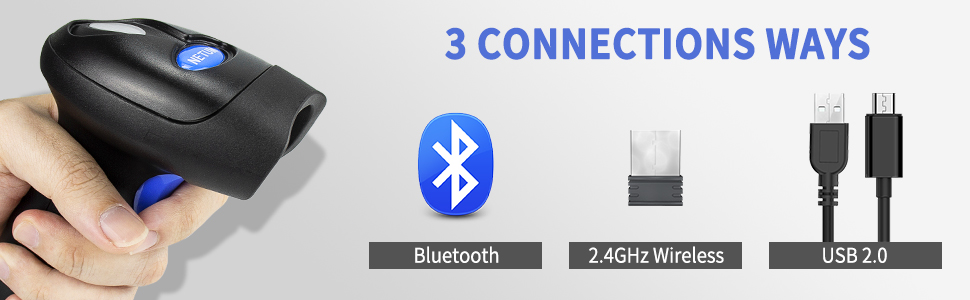
For wireless models like the wireless barcode wifi scanner, connection issues often appear as scanning failures. If your scanner beeps but no data appears on your computer or phone, re-pair the device via Bluetooth or check the wifi connection. For a NETUM wireless barcode scanner or long range barcode scanner, resetting to factory settings (using the included configuration barcodes) can fix accidental setting changes that block scanning.
Quick Troubleshooting Checklist for Any Wireless Barcode Scanner
Test with a high-quality, undamaged barcode to rule out label issues.
Ensure your NETUM wireless barcode scanner, portable wireless barcode scanner, or long range barcode scanner supports the barcode format.
Check battery level (for wireless models) and charge or replace batteries if low.
Clean the scanner lens and update firmware (especially for wireless barcode wifi scanners).
Adjust scanning distance and angle—hold perpendicular to the barcode and move slowly.
Verify connections: Re-pair Bluetooth scanners or check wifi signal for wireless barcode wifi models.
If these steps don’t work, contact the manufacturer’s support. For NETUM wireless barcode scanner users, the brand’s customer service can assist with hardware defects, while long range barcode scanner or portable wireless barcode scanner issues may require professional calibration. By addressing these common causes, you’ll get your wireless barcode scanner back to reliable performance in no time.